
Stop Drowning in Digital Clutter
Media Purge AI uses Gemini AI to automatically find memes, blurry shots, screenshots, and 17 junk categories in your gallery — then wipes them in seconds. Free up gigabytes without the guesswork.
17+
Junk Categories Detected
10
Free Daily Scans
$4.99
One-Time Pro Upgrade
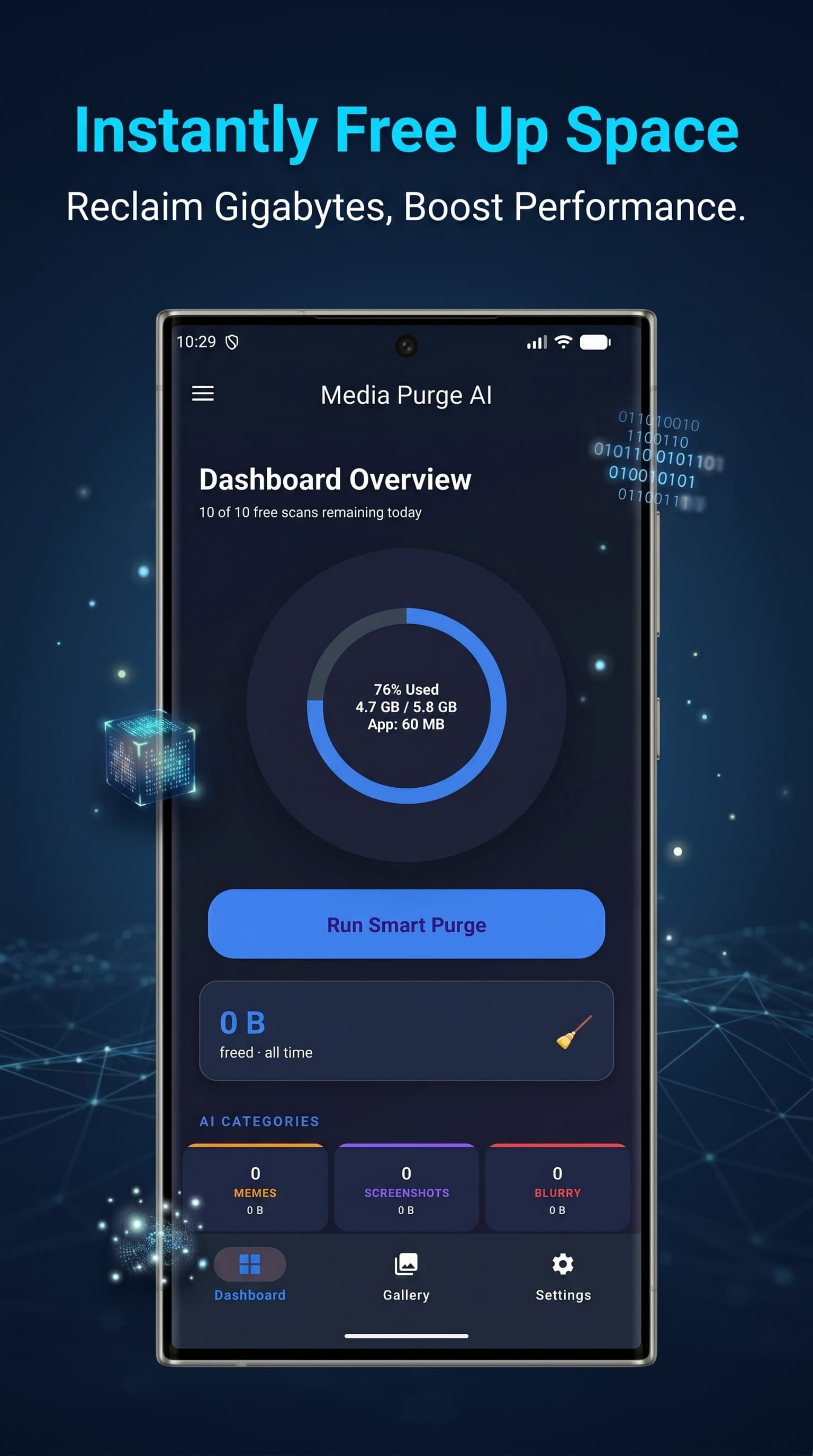
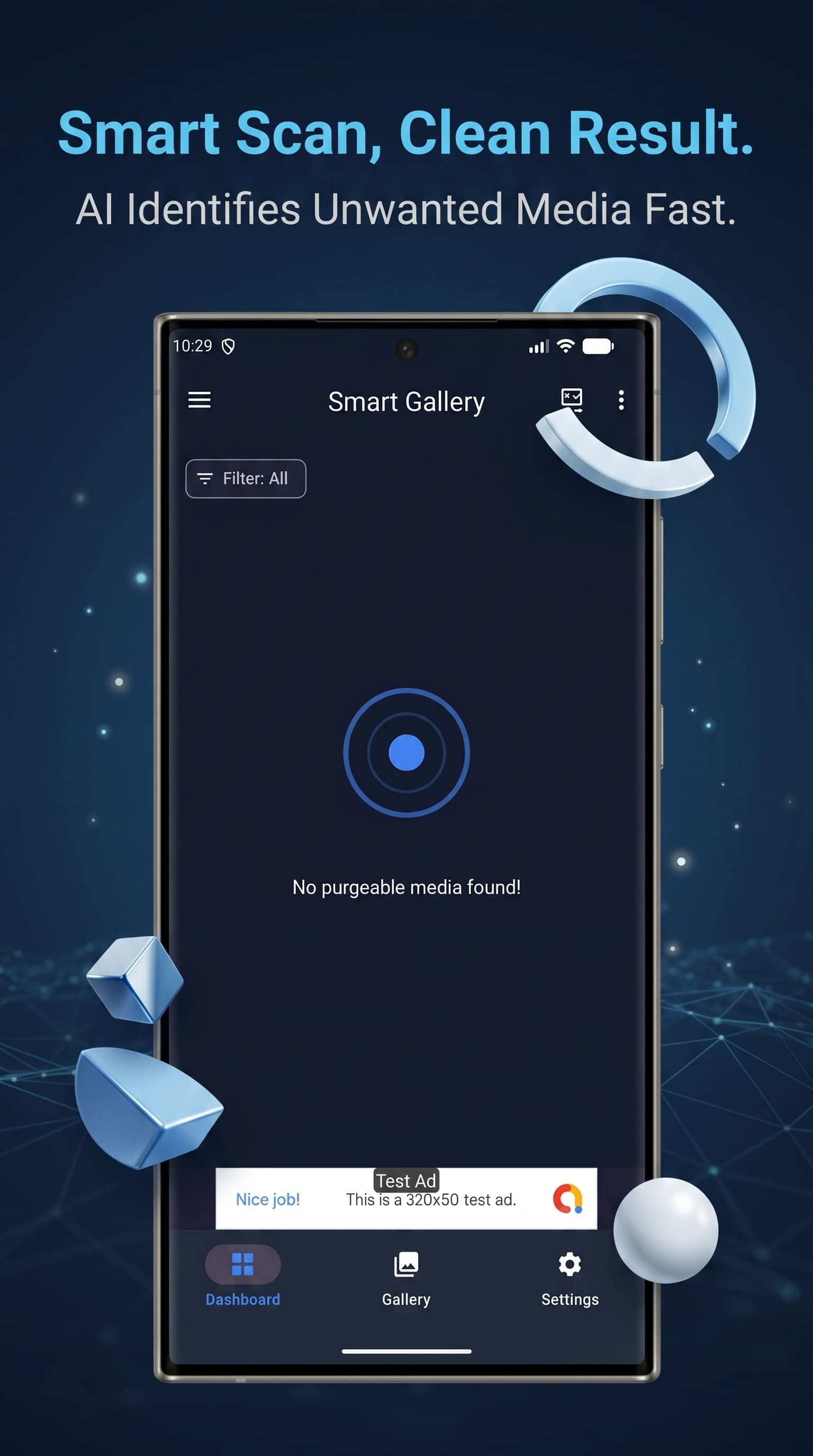
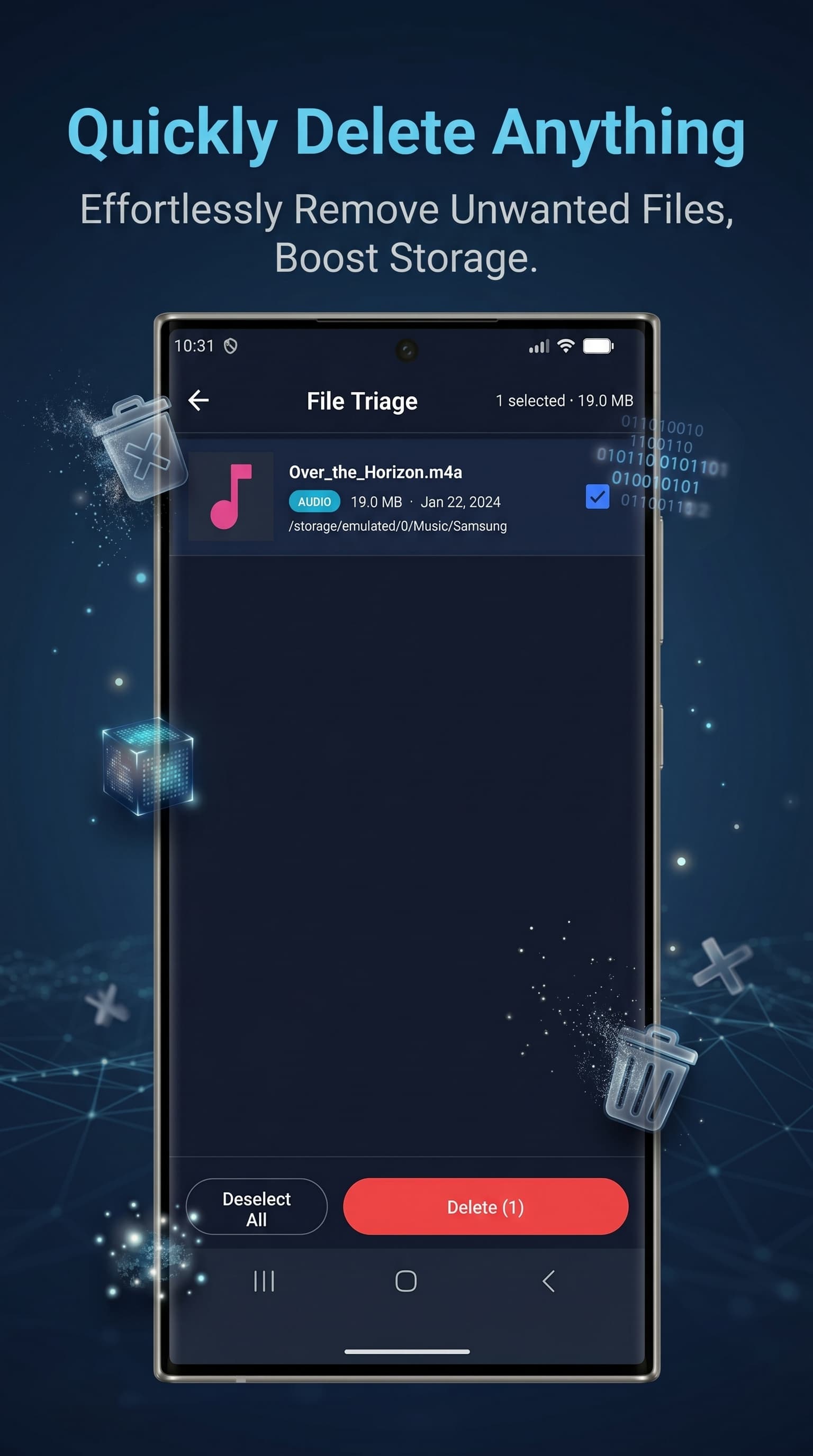
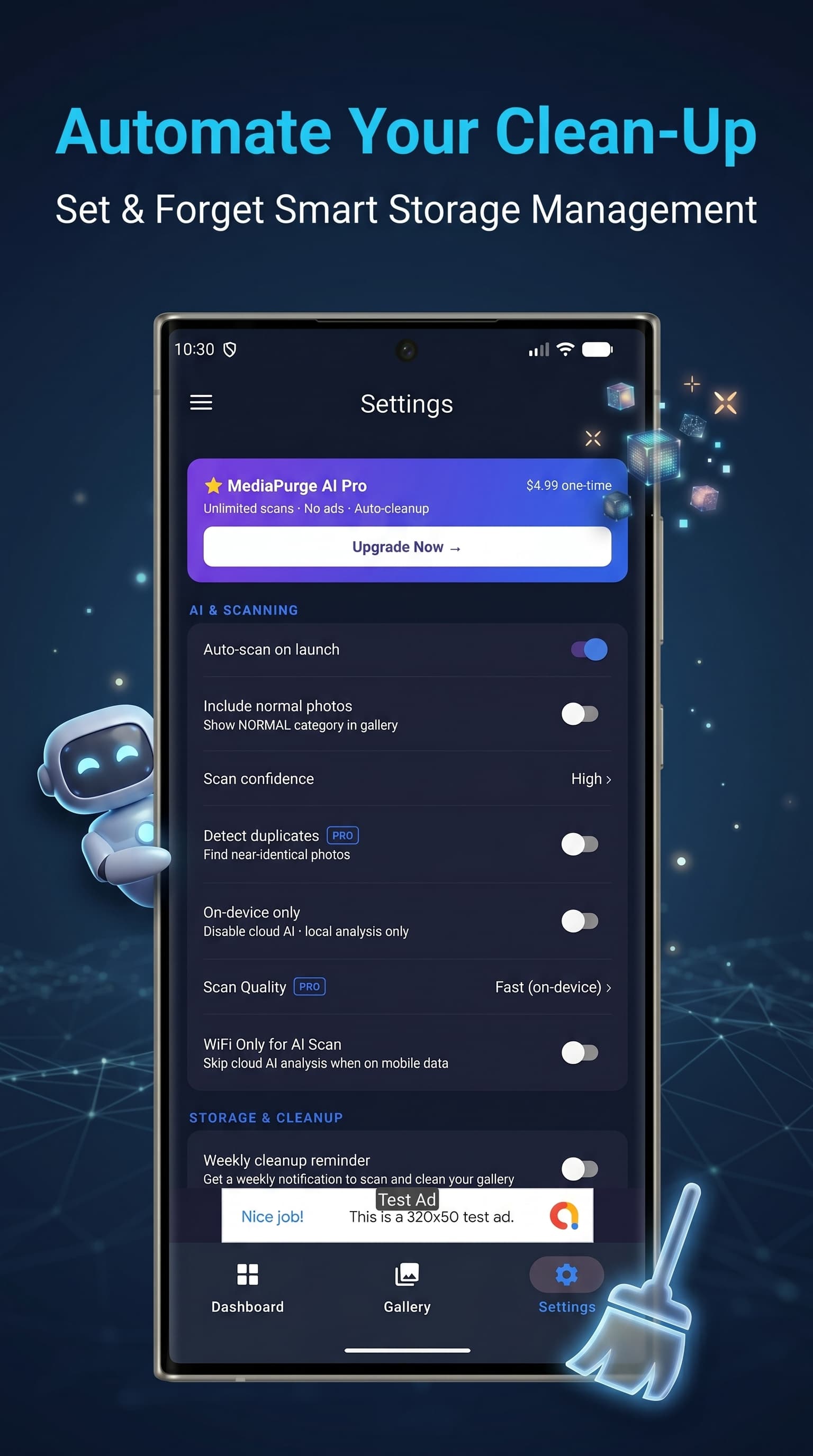
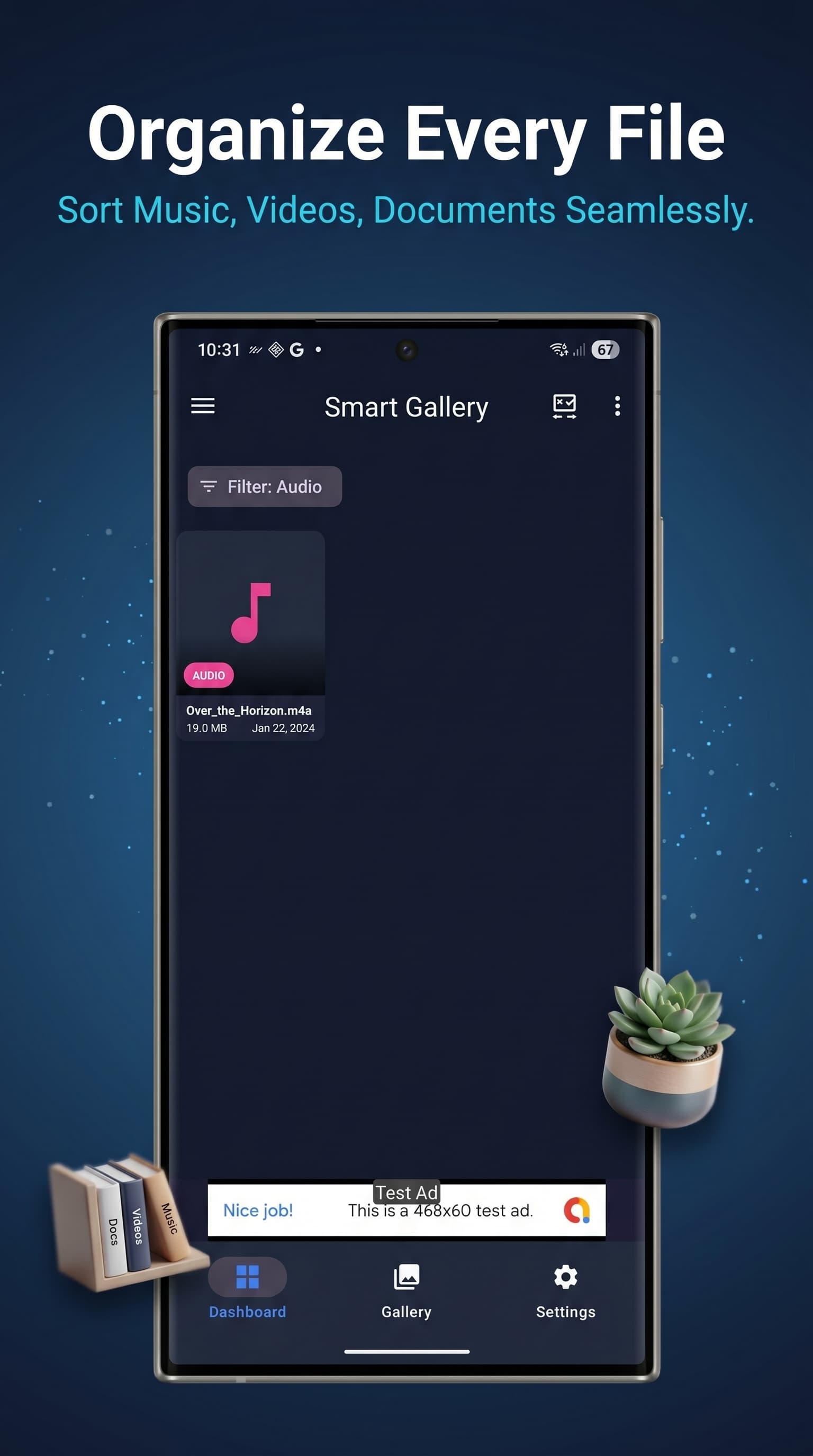
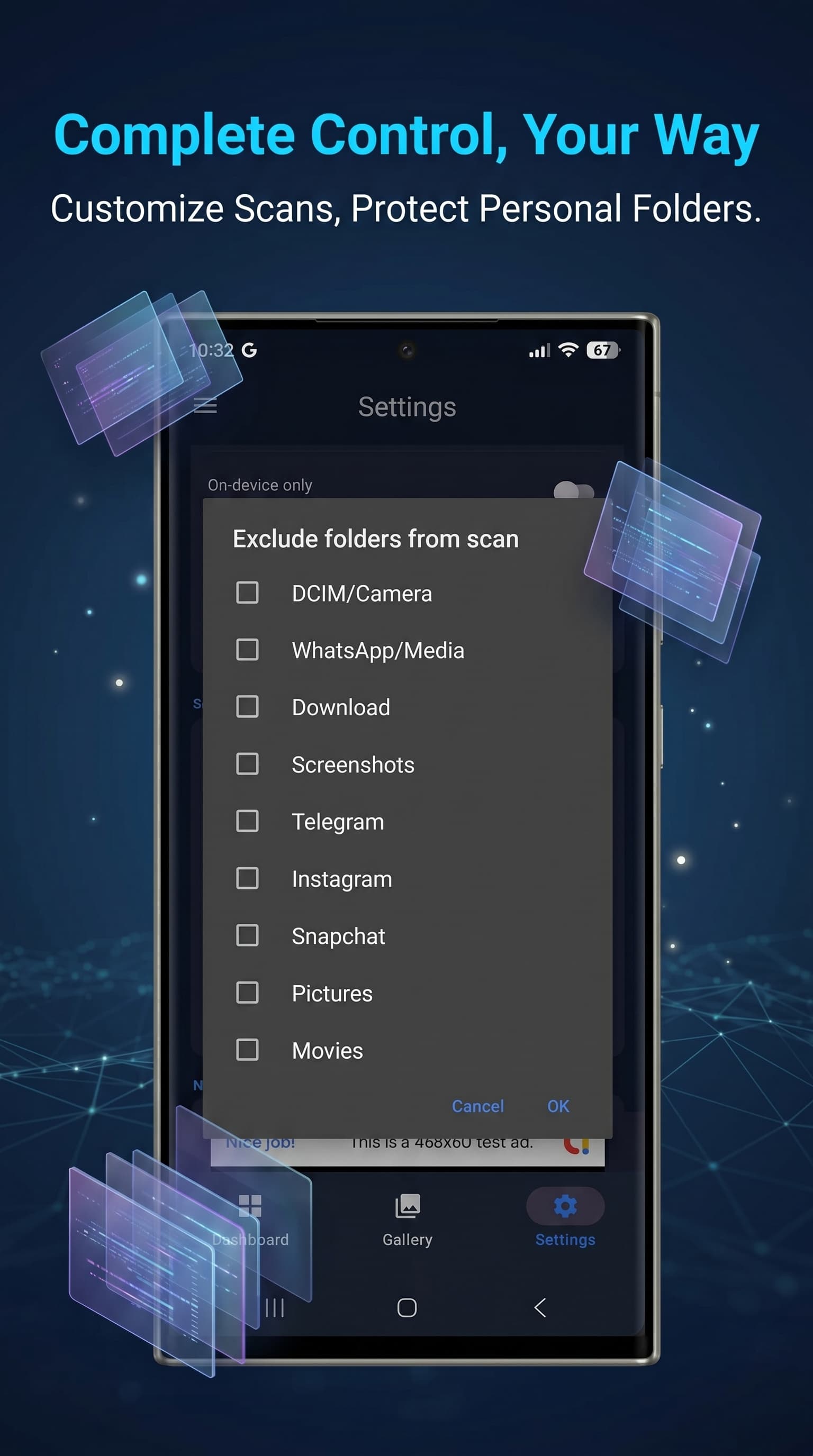
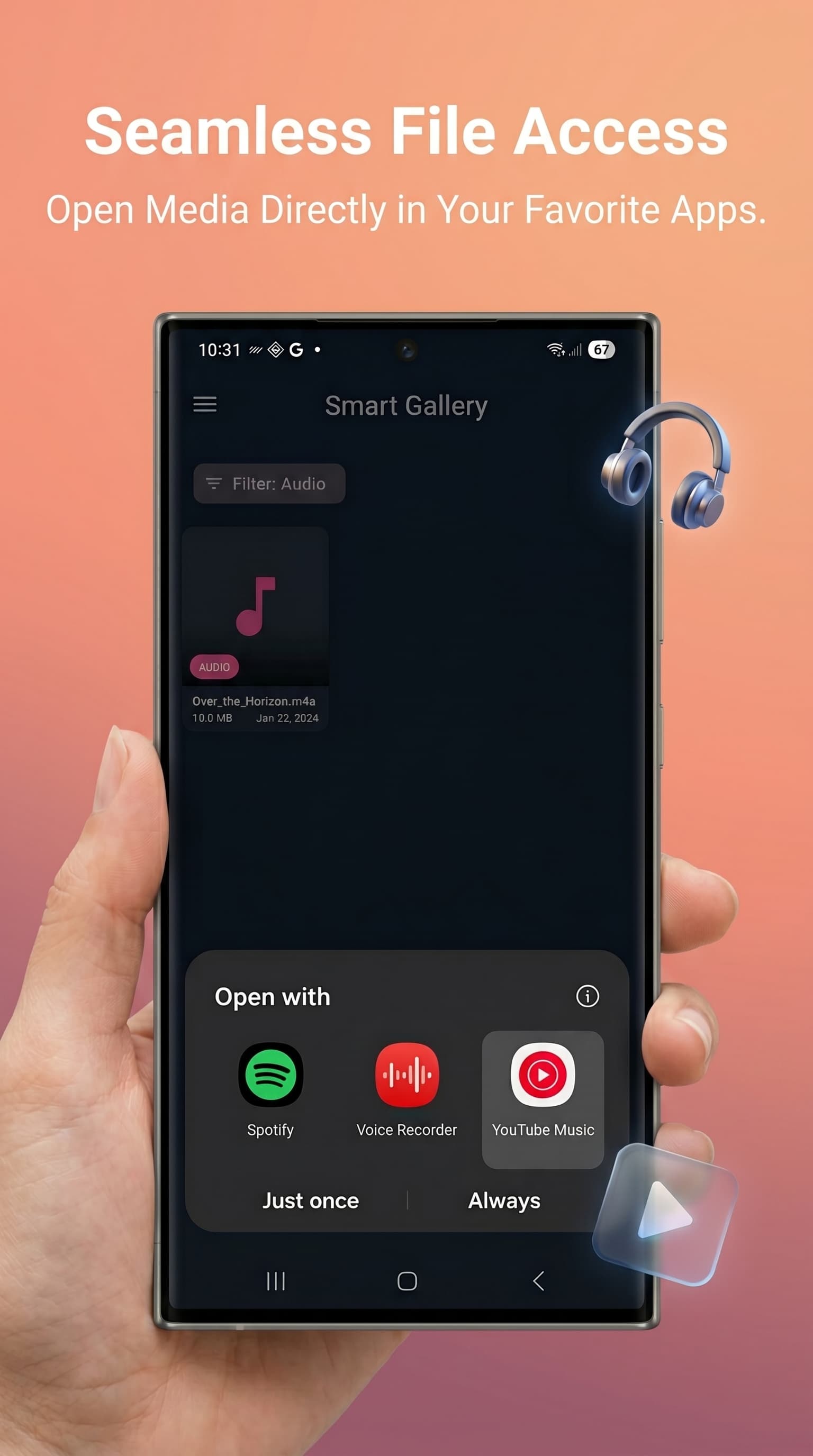
Dashboard — Storage stats & category cards
Why Media Purge AI?
Four reasons 17 categories of digital junk don't stand a chance.
Gemini AI Engine
Powered by Google's Gemini 2.0 Flash Lite model. Every image is classified as Meme, Screenshot, Blurry, or Normal with a confidence score — so the app only flags what you'd actually delete.
100% On-Device Privacy
All gallery data is processed locally. Nothing is uploaded or shared by Nexovia. AI classification sends only a compressed thumbnail to Google's Gemini API — no personal data, no account required.
17 Junk Categories
From obvious clutter like memes and screenshots to subtle waste like dark photos, overexposed shots, tiny images, and old downloads — MediaPurge AI catches what manual review misses.
Home Screen Widget
A live widget shows storage used percentage, last-scan junk count, and total space freed — plus a one-tap Scan Now button without opening the app.
Everything Your Gallery Hides
17 categories detected — tap any card to learn what gets cleaned.
AI Detected
Photo Quality
Video
Files & Junk
Duplicates
Gemini AI Reads Your Photos, So You Don't Have To
Every image in your gallery is compressed and sent to Google's Gemini 2.0 Flash Lite model. The model classifies each photo as a Meme, Screenshot, Blurry shot, or Normal — and returns a confidence score. The higher the score, the more certain the AI is. Low-confidence items stay in your gallery untouched.
No internet? No problem. When the Gemini API is unavailable, MediaPurge AI automatically falls back to on-device analysis using blur detection algorithms — so the cleanup never stops.
- Gemini 2.0 Flash Lite — Google's fastest multimodal model
- Confidence scoring — only flags what you'd actually delete
- On-device fallback — works offline for blur detection
- WiFi-only mode — skip cloud AI when on mobile data (Settings)
3 items flagged · 14.2 MB recoverable
See It In Action
Five key screens — swipe through or let it run.
Dashboard — Storage stats & category cards
Simple, Honest Pricing
Free forever for casual use. One small payment for unlimited power.
Free
Always free
- 10 AI-powered scans per day
- All 17 junk category detections
- Smart Gallery with filter tabs
- Dashboard with storage visualizer
- Purge statistics & history
- Home screen widget
- 7 language support
- Ads shown (banner + interstitial)
- Auto-schedule weekly cleanup
- Swipe triage mode
- 30-day trash recovery
- Cloud / folder backup before purge
Pro
One-time · Lifetime access
- Everything in Free
- Unlimited daily scans (no daily cap)
- Zero ads
- Auto-schedule weekly cleanup
- Swipe triage mode
- 30-day trash recovery
- Cloud / folder backup before purge
Purchases managed securely by Google Play. Restore anytime in Settings → Restore Purchase. One-time payment. No auto-renewal. Applies to the Google account used at purchase.
Frequently Asked Questions
Yes. The free version gives you 10 AI-powered scans per day with access to all 17 junk category detections, the Smart Gallery, Dashboard, stats, and the home screen widget. Google AdMob ads run in the free tier. Upgrade to Pro once for $4.99 to remove ads and get unlimited scans.
Pro gives you unlimited daily scans (the free tier is capped at 10), removes all ads, unlocks Auto-schedule weekly cleanup, Swipe triage mode (review files one by one before deleting), 30-day trash recovery (deleted files are recoverable for 30 days), and cloud/folder backup before any purge. It is a one-time payment — no subscription, no auto-renewal, lifetime access.
Yes. The core scan uses on-device analysis including blur detection. Internet is used for: (1) Gemini AI cloud classification — this can be set to WiFi-only in Settings, (2) Google AdMob ads in the free tier, and (3) anonymous Firebase Analytics and Crashlytics. None of your media files are transmitted. All deletion and storage management happens fully locally.
17 categories: Memes, Screenshots, Blurry photos, Dark photos, Overexposed photos, Tiny images, Videos, Short videos, Audio files, Documents, Received files (WhatsApp/Telegram), Old downloads, Junk cache files, Large files, and Duplicates. Categories are grouped in the gallery with individual filter tabs so you can review each type before purging.
When you tap "Run Smart Purge", each image is compressed to a JPEG thumbnail and sent to Google's Gemini 2.0 Flash Lite API. The model returns a classification (MEME, SCREENSHOT, BLURRY, or NORMAL) with a confidence score between 0 and 1. Items with high confidence appear first in the gallery. If the Gemini API is unavailable or you're on mobile data with WiFi-only mode enabled, the app falls back to on-device blur detection automatically. You can also set scan confidence to High, Medium, or Low in Settings.
Yes. Open Settings and tap "Restore purchase", or tap the Restore button on the upgrade screen. Sign into the same Google account you used for the original purchase and your Pro access will be restored immediately.
Nexovia does not collect, store, or share your personal data or media files. The app stores all scan history and purge records locally using a Room database on your device. The only external data flows are: (1) Compressed image thumbnails to Google's Gemini API for AI classification, (2) Anonymous usage statistics via Firebase Analytics, (3) Anonymous crash reports (device model, OS version, stack trace) via Firebase Crashlytics, (4) Advertising ID to Google AdMob in the free tier. No PII is collected by Nexovia. Google Play manages all purchases. Questions? Email support@nexovia.cloud.
Android 8.0 (API level 26) or higher. The app targets Android 16 (API 36) and uses the modern Media Picker permissions (READ_MEDIA_IMAGES, READ_MEDIA_VIDEO, READ_MEDIA_AUDIO) introduced in Android 13, with backwards-compatible fallbacks for older devices.
Get Help
We typically reply within 24 hours.