
TinyScanner Pro - PDF Scanner
Document scanner · Android
Scan paper documents to PDF with your phone.
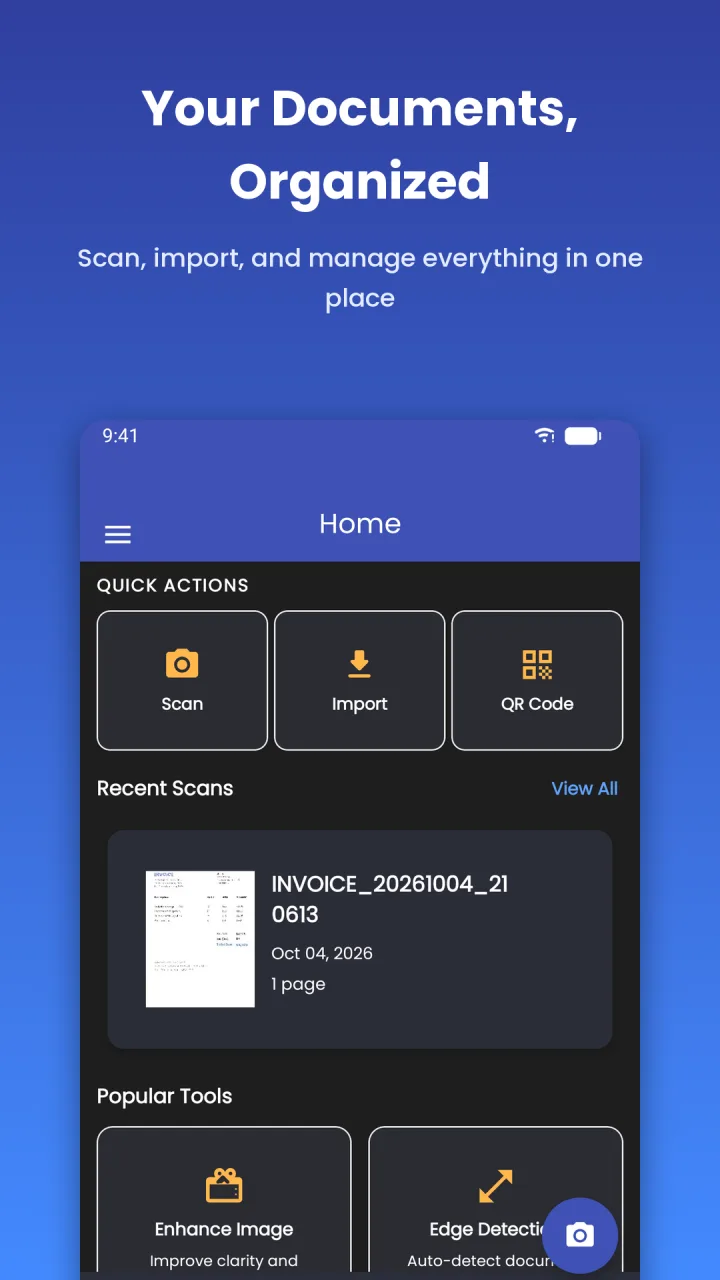
A document scanner for Android with automatic edge detection, five filters, text extraction and PDF tools. Scan contracts, receipts, ID cards and multi-page reports, then export, print or share them.
Free with ads · one-time $5.99 Premium purchase
- Filter modes
- 5
- Barcode and QR formats
- 13
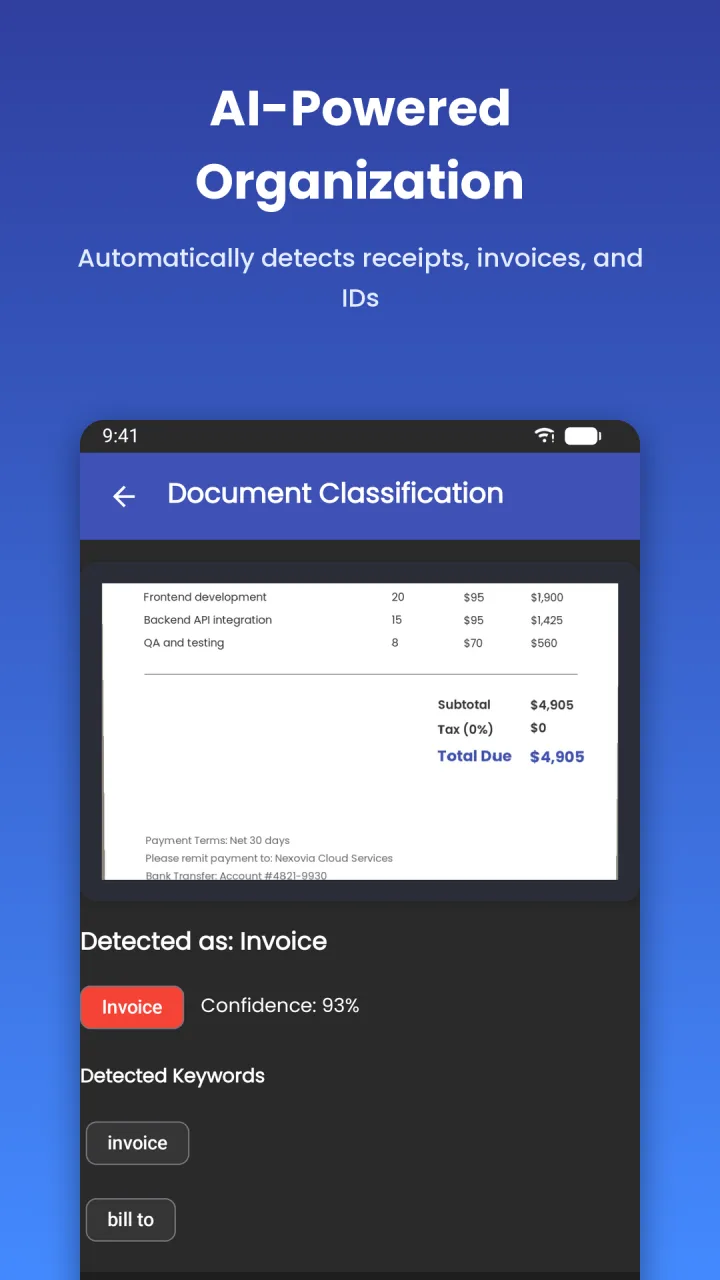
- Document types detected
- 8
- Languages
- 3
Features
What TinyScanner Pro does
Edge detection and cropping
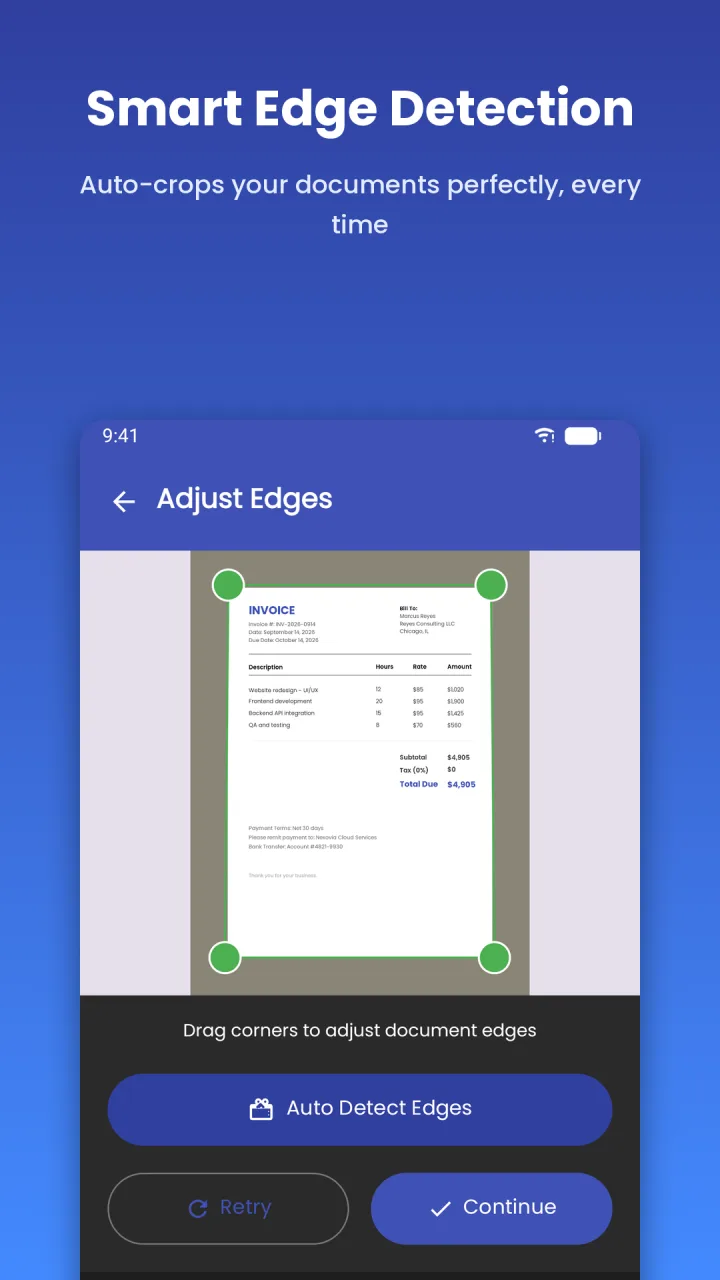
The app finds the edges of a page and corrects the perspective. Switch to manual crop when you want full control, and scan several pages in one session.
Five filter modes
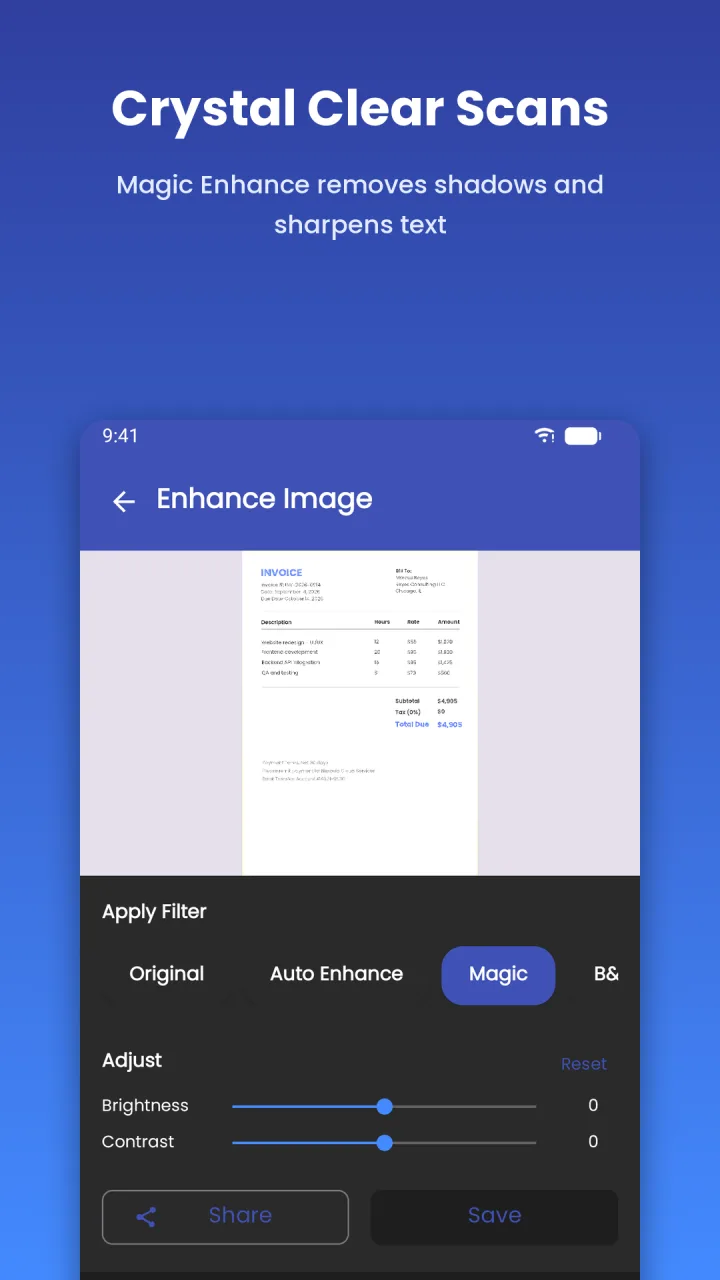
Choose Original, Magic Enhance, Black & White, Grayscale or Sharp to get a clean, printable page.
PDF export and tools
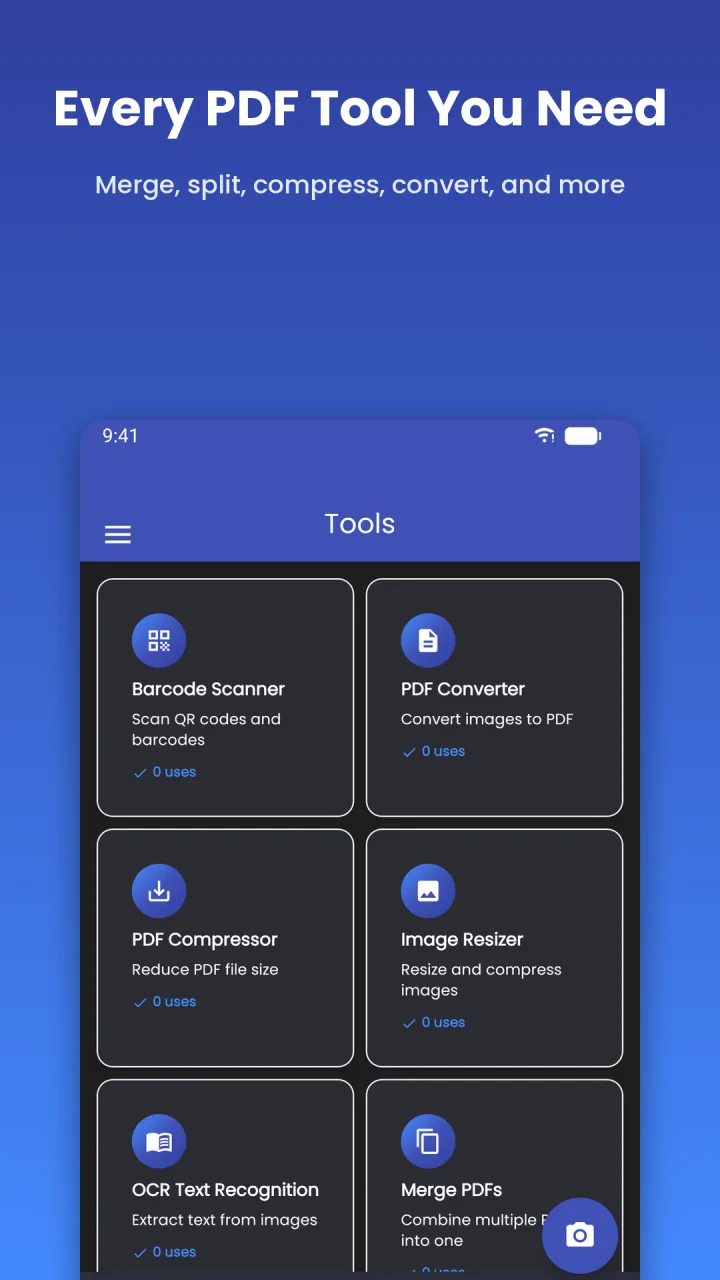
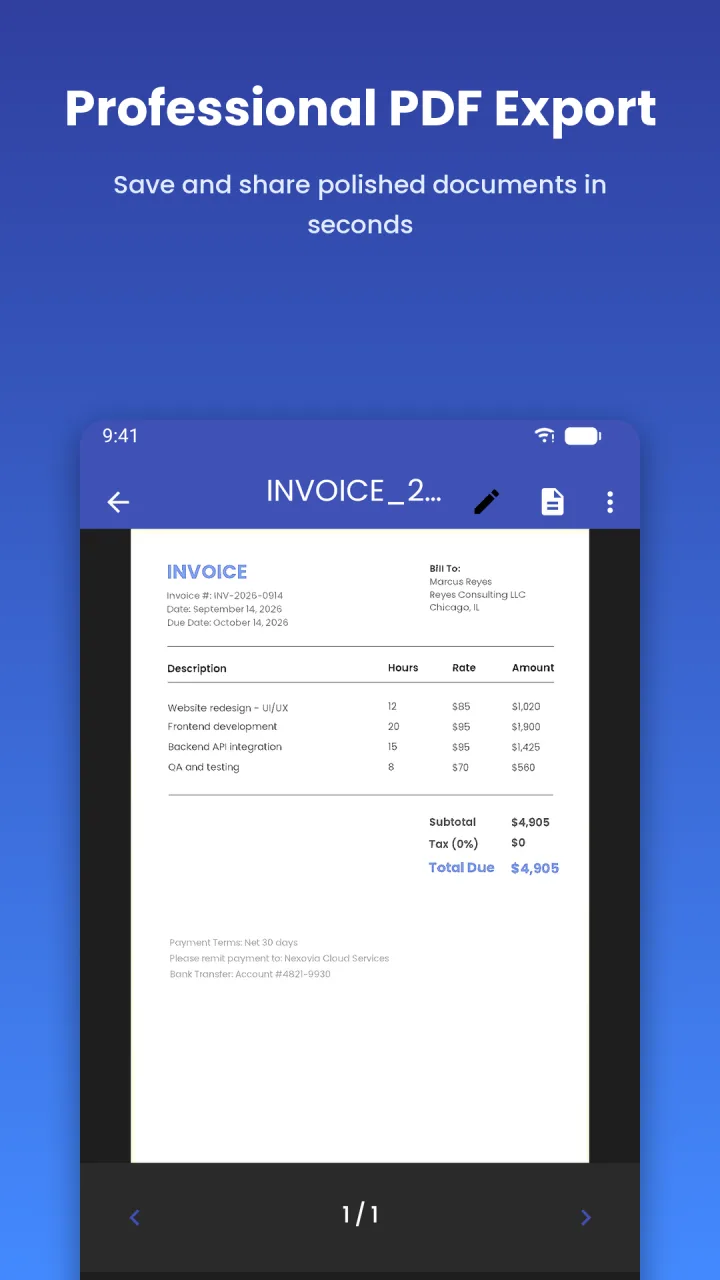
Export as PDF (A4, Letter or Fit to Page), JPG or TXT at low, medium or high DPI. Reorder pages, then merge, split, compress, convert or watermark PDFs.
Text extraction (OCR)
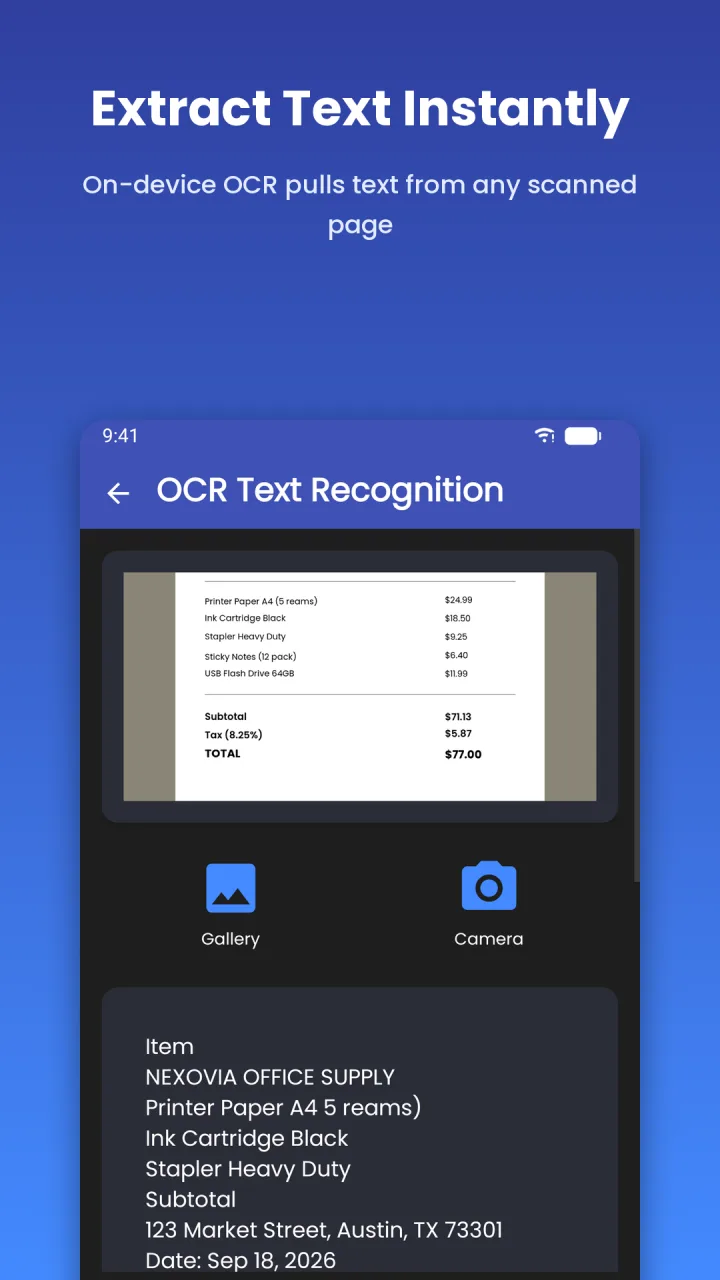
Extract the text from a scanned page on your device. Copy it, search it or export it as a .txt file.
Signatures and annotation
Draw or import your signature, then resize, rotate and drag it into place. Add text fields to a page.
Folders and locks
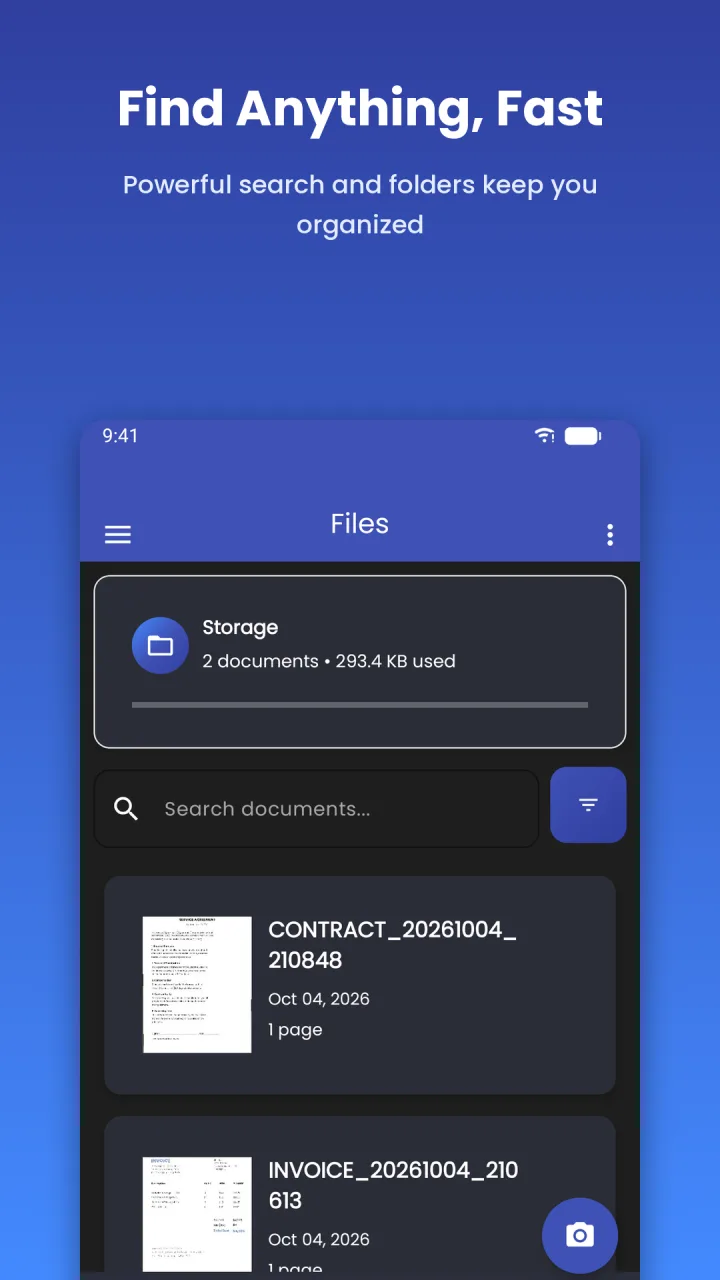
Organise documents in folders, and rename, copy, move or delete them. Lock single documents or the whole app with a password or biometrics.
How it works
Up and running in a minute
- 01
Point and scan
Open the camera and capture the page. The edges are detected for you, and you can drag the corners to adjust.
- 02
Clean it up
Pick a filter, add more pages, and reorder them by dragging.
- 03
Export or share
Save as PDF, JPG or TXT, print it, or share it through WhatsApp, email and other apps.
Screenshots
TinyScanner Pro on your phone
Pricing
What it costs
Free to scan and export, with ads. One purchase removes the ads and opens the Pro tools. There is no subscription.
Free
$0
- Core scanning, enhancement and export tools
- Shows banner and full-screen ads
Premium
$5.99 one-time
- Removes ads
- OCR text extraction
- PDF Merge and PDF Split
- Watermark
- Digital signature
- Pay once, no recurring charges
The price is in US dollars. Google Play converts it to your local currency.
Good to know
- Languages
- English, Spanish, French
- Devices
- Android 8.0 and later
- Ads
- Yes in the free version. Premium removes them
- Account
- None. The app has no sign-in
- Your data
- Scanned documents stay on your device. Anonymous analytics, crash reports and ad identifiers are collected through Google SDKs.
Questions
Frequently asked
Something else? Write to support@nexovia.cloud or use the contact form. See our Privacy Policy for how our apps handle data.
Is TinyScanner Pro free?
Yes. Core scanning, enhancement and export are free, with ads. Premium is a single $5.99 purchase that removes ads and opens every Pro tool.
Is Premium a subscription?
No. It is a one-time, lifetime purchase with no recurring charges.
Which tools need Premium?
OCR text extraction, PDF Merge, PDF Split, Watermark and Digital Signature. Premium also removes the ads.
Are my scans uploaded anywhere?
No. Scanned documents are stored on your device and the app has no account or upload feature. Text extraction runs on the device too.
Can I protect sensitive documents?
Yes. You can lock individual documents or the entire app with a password or biometric authentication.
What can it export?
PDF in A4, Letter or Fit to Page, JPG images, and TXT for extracted text. You choose low, medium or high DPI, and can print straight from the app.
Get TinyScanner Pro
Free with ads · one-time $5.99 Premium purchase
More from Nexovia
Related apps
TextSmith PRO
Paraphrase, fix grammar, translate and summarize in any app.

Nimblet
Turn PDFs, notes and articles into cited flashcards and quizzes.

LaunchPad
AI resume builder with 24 templates, ATS checks and a job application tracker.

Media Purge AI
AI gallery cleaner that finds blurry photos, memes and screenshots.